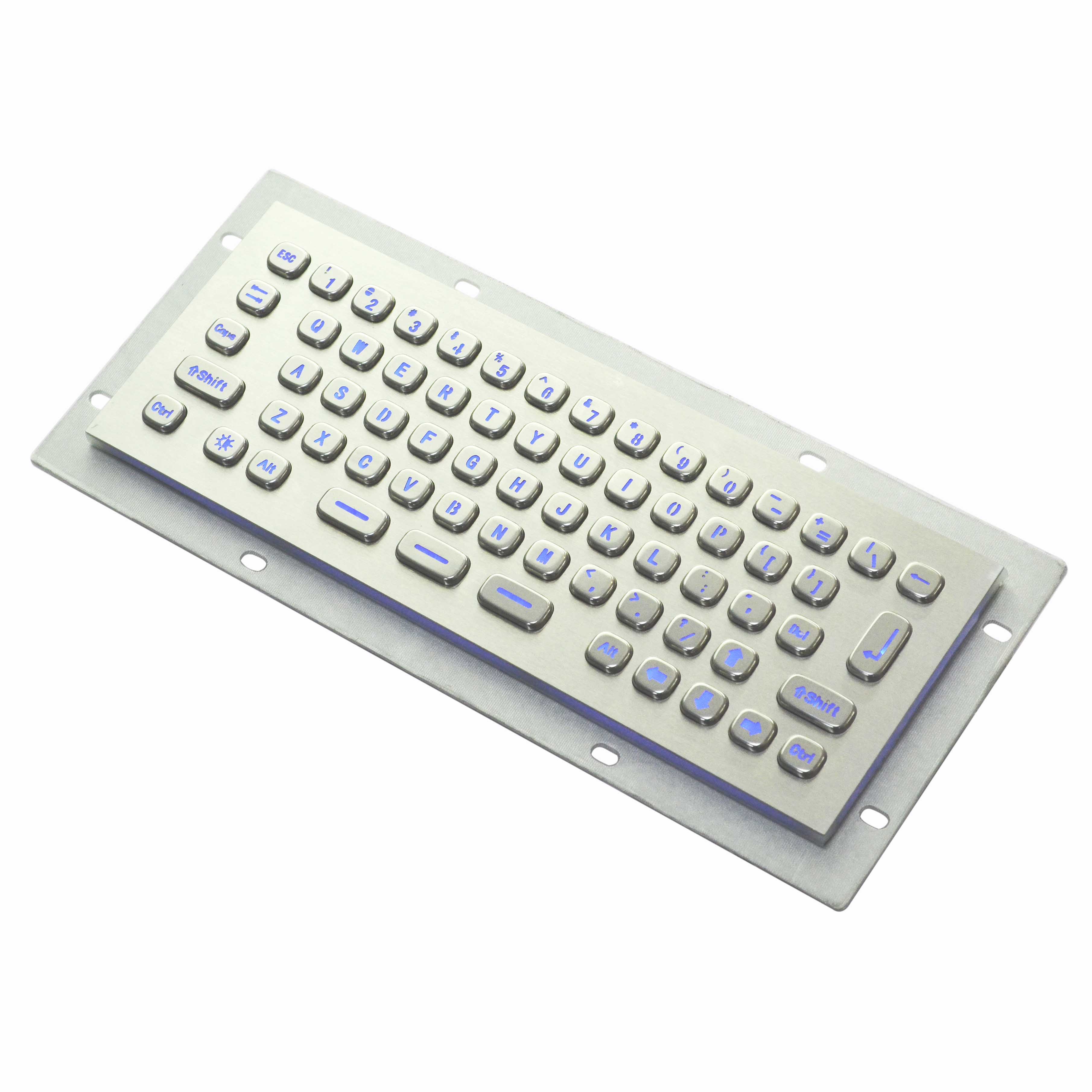
Keyu independently developed a wireless metal keyboard, which is faster and reaches farther.
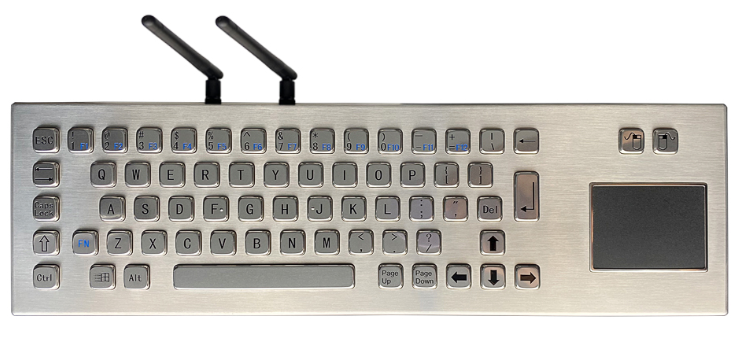
To meet users' demands for free from the constraints of cables and mobile operation, Keyu independently developed ultra-fast wireless technology, featuring low-latency wireless connection, faster transmission speed, longer distance and lower power consumption. KY-PC-DT-D4 adopts encrypted 2.4G Wireless(USB) technology and can achieve a maximum transmission distance of 8 meters. By applying the latest multi-channel frequency-hopping technology, it can block interference, resist radiation and ensure more stable signal transmission.
Integrated touchpad
For ease of use, the KY-PC-DT-D4 also integrates a touchpad with the functions of left and right mouse buttons, thus eliminating the need for an external mouse. Its compact design and desktop style make it highly suitable for use in vehicles and other mobile applications.
Here is an introduction to the usage method of the wireless metal keyboard:
Remove the receiver from the PC host (the receiver is powered off); After the keyboard device is powered on, it enters the 2.4G mode by pressing the key combination. Press and hold the FN + R key combination for 5 seconds, and the device will Enter the broadcast mode. At this point, reconnect the receiver to the PC host (power on the receiver again), wait for 2 seconds, and then press the Enter key on the keyboard to complete the pairing.
If multiple groups of devices and receivers need to be paired, it is necessary to wait until one group is paired before pairing the others. It is strictly prohibited to pair multiple groups of devices and receivers at the same time!
When leaving the factory, the device has been paired with the receiver. Users can use it directly.
Device interface switching
Press the FN + Q key combination and hold for 5 seconds. It can be switched to Bluetooth mode.
Press the FN + W key combination and hold for 5 seconds. It can be switched to 2.4G mode.
The differences between wired metal keyboards and wireless keyboards:
Wired metal keyboards need to be connected to devices through data cables. Their application range is limited by the length of the cables, but the connection is stable without delay, making them suitable for scenarios with high signal requirements such as gaming and professional office work. The wireless metal keyboard connects via Bluetooth or a 2.4G receiver, free from the constraints of wires, making the desktop neater. It can flexibly switch between multiple devices and is suitable for mobile office and multi-terminal operation scenarios.
- Wired metal keyboards do not require built-in batteries. They are plug-and-play without battery life anxiety and there is no cost of battery replacement or charging later. Wireless metal keyboards need to be charged or used with batteries, and there is a possibility of them shutting down when the battery runs out. Long-term use will incur a small amount of maintenance costs related to battery life.
- Wired metal keyboards come with additional data cables, which are relatively cumbersome to store and the cables are prone to tangling. Wireless metal keyboards, without the burden of cables, are more portable. At the same time, they can keep the desktop clean and tidy, reducing the trouble caused by messy cables.
- The data transmission of wired metal keyboards is directly through wires and is almost unaffected by external signals. Wireless metal keyboards may be interfered with by other wireless signals such as Bluetooth and WiFi. In extreme cases, there may be slight delays or disconnections.
Keyu not only offers wireless metal keyboards but also many wired metal keyboards, which can meet your diverse needs. We can also customize different products according to your requirements. Feel free to contact us at any time.
Wireless becomes infinite
In the current era when the industry is emphasizing marketing, competing on price, and neglecting product quality and design, Keyu will adhere to its brand strategy, increase investment in the research and development of mid-to-high-end products, strengthen its leading position in the industrial keyboard and mouse field, and utilize its advanced technology, outstanding R&D talents and rich experience to create more high-quality products for consumers and turn wireless into infinite.
What is Medical keyboard?
The difference between desktop keyboard with touchpad and trackball
Related Article