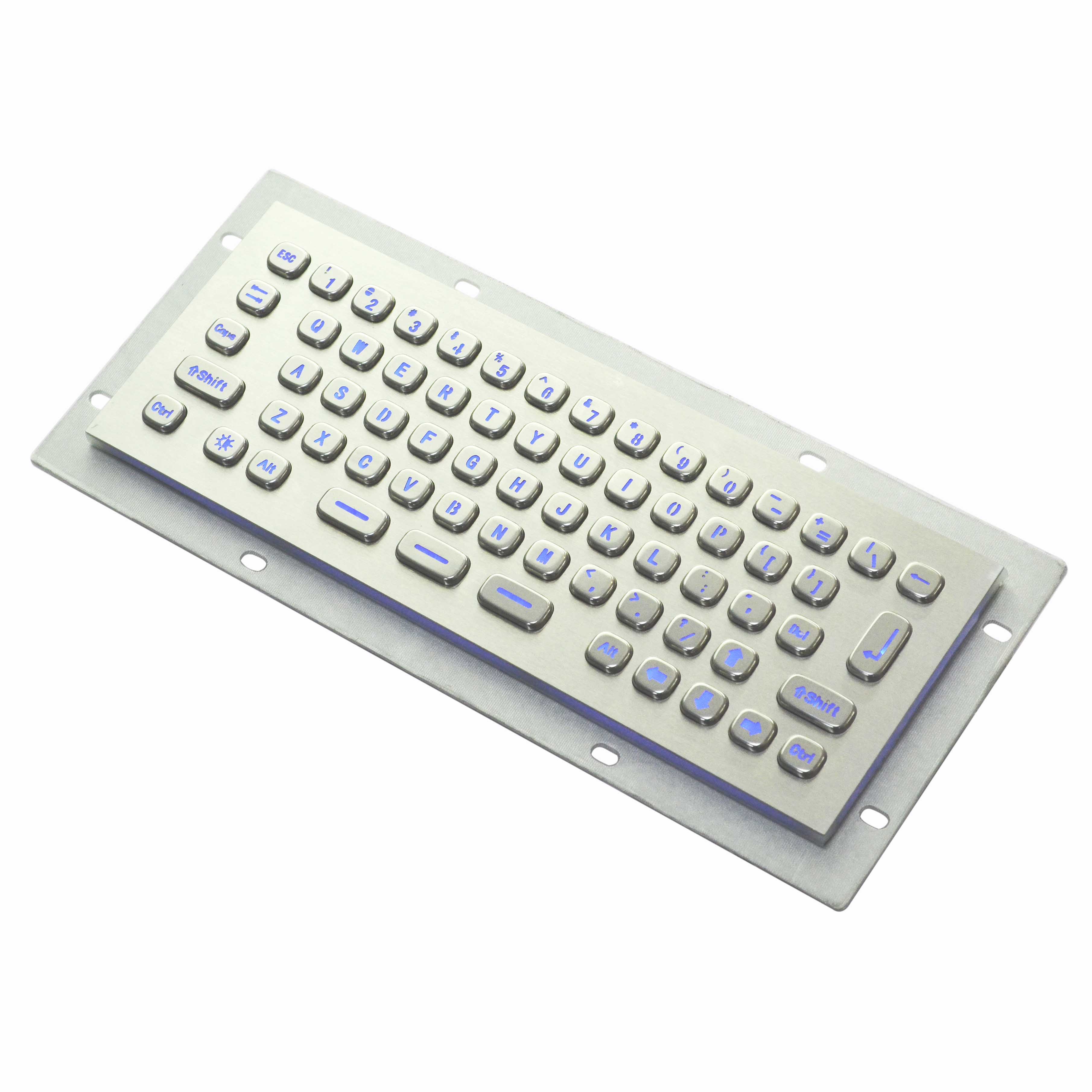
How to Choose a Braille Metal Keyboard
author: Linsa
2025-03-21

I. Core Materials and Manufacturing
-
Metal Material:
- Prioritize aluminum alloy or stainless steel for a balance of lightweight design and high strength, ensuring long-term durability, pressure resistance, and corrosion resistance.
- Ensure smooth surfaces and rounded edges to eliminate burrs or sharp corners that may affect tactile comfort, while maintaining clear and wear-resistant Braille dots.
-
Surface Treatment:
- Braille dots should use laser engraving or precision stamping for distinct tactile feedback and durability.
- Consider matte or micro-textured finishes on key surfaces to enhance anti-slip properties.
II. Structural Design and Tactile Feedback
-
Braille Marking Process:
- Braille dots must be prominent and long-lasting, achieved through high-precision manufacturing methods.
- Key surfaces should incorporate textures to improve grip and tactile recognition.
-
Switch Type and Key Travel:
- Opt for Tactile (Brown) or Linear (Red) switches to balance gentle feedback, quick response, and reduced typing fatigue for Braille input.
- Maintain a key travel distance of 1.5–2.0mm to minimize accidental presses while ensuring efficient typing.
III. Functional Compatibility
-
Layout and Key Arrangement:
- Prioritize full-size or compact layouts (e.g., 87 keys) to retain essential function keys and accommodate Braille input habits.
- Ensure tactile differentiation between directional keys, function keys, and other zones.
-
Connectivity Options:
- Choose wired/USB-C interfaces for stable connections. For portability, consider low-latency Bluetooth versions (5.2 or later).
IV. Durability and Maintenance
-
Keycap Material:
- Use PBT material for keycaps, known for wear resistance and resistance to oil buildup, ensuring Braille dots remain legible over time.
-
Metal Panel Maintenance:
- Select panels with anti-fingerprint coatings or anodized finishes for easy cleaning and reduced daily wear.
V. User Experience Optimization
-
Tactile Calibration:
- Test Braille dot height (recommended 0.3–0.5mm) and key rebound force using switch testers or in-person trials to match personal preferences.
-
Additional Features:
- Opt for water and dust resistance (IP54 or higher) for harsh environments.
- Choose multi-device pairing support for seamless switching between devices.
Final Recommendations
A Braille metal keyboard should prioritize tactile precision, combining robust materials, ergonomic switch feedback, and user-centric design. Recommended configurations include aluminum alloy + PBT keycaps paired with Tactile switches or customized low-pressure switches. Always verify Braille clarity and overall ergonomics through hands-on testing before purchase.
Metal keyboard maintenance tips
Customized metal keyboard have slowly become a trend
Related Article

In industrial production, outdoor operations, and in environments that are humid and dusty, traditional keyboards often fail to withstand the test of the environment and are prone to malfunction. However, waterproof and dustproof industrial membrane keyboards, with their outstanding waterproof and dustproof capabilities, have become the preferred keyboards for these harsh environments.
Advantages of Industrial membrane keyboard