How to clean metal keyboard
author: Linsa
2018-02-25
Heare are metal keyboard cleaning Guide: Steps, Tips, and Precautions
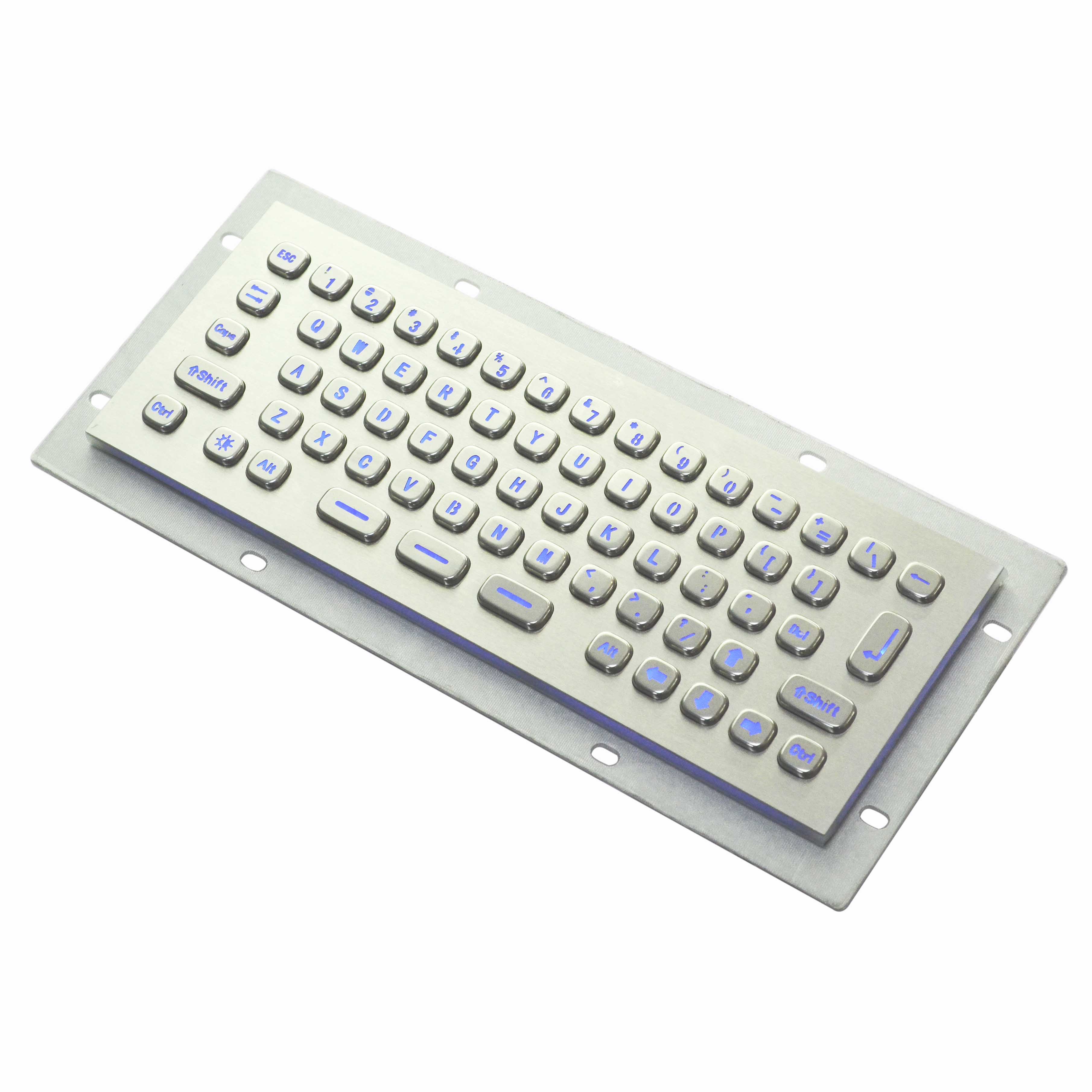
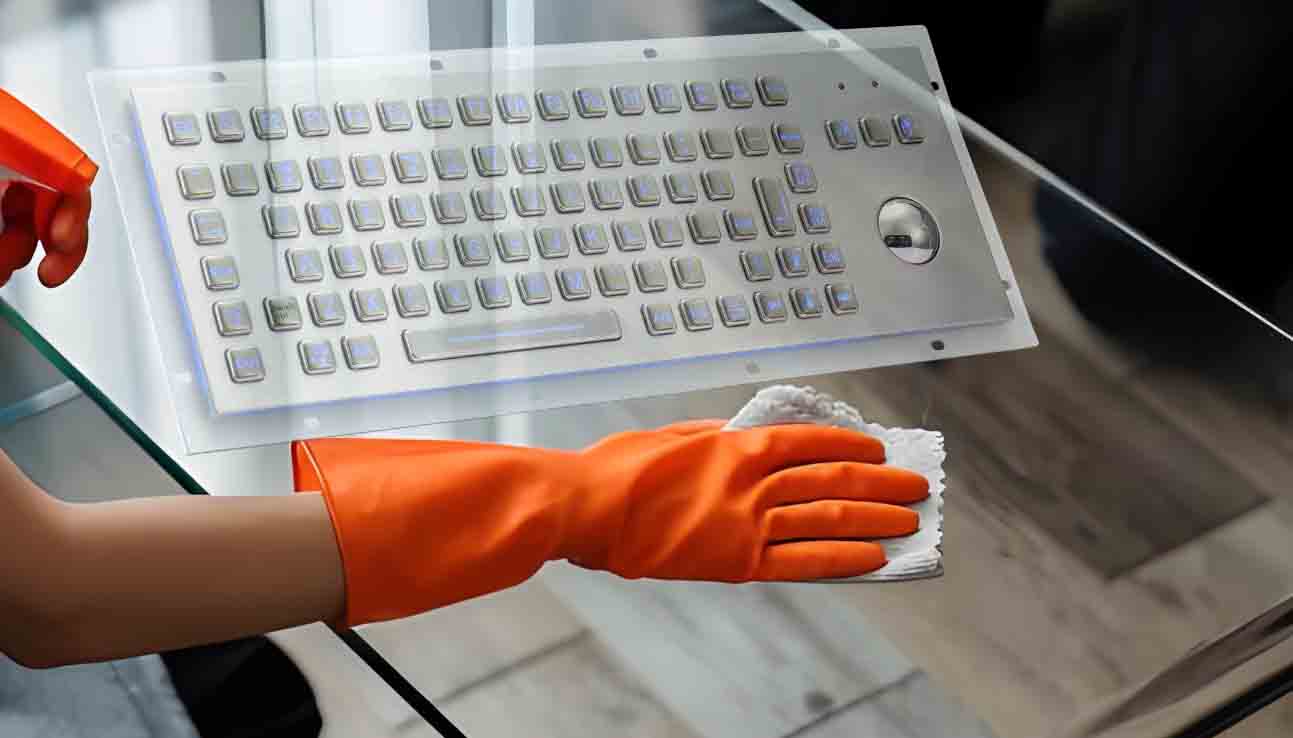
Metal keyboards are favored by gamers and professionals for their premium look, durability, and heat dissipation. However, frequent use can accumulate dust, fingerprints, and oil stains in keycap gaps and metal surfaces, and liquid spills may even cause corrosion. Mastering scientific cleaning methods can significantly extend their lifespan and enhance user experience.
---
I. Pre-Cleaning Preparation
1. Power Safety
- Turn off the computer and unplug the power cable (remove batteries for wireless keyboards).
- Never clean the keyboard while powered on to prevent short circuits or liquid damage to circuit boards.
1. Power Safety
- Turn off the computer and unplug the power cable (remove batteries for wireless keyboards).
- Never clean the keyboard while powered on to prevent short circuits or liquid damage to circuit boards.
2. Tool Checklist
- Soft brush/keyboard brush: Remove dust from keycap crevices.
- Microfiber cloth: Gently wipe metal surfaces to avoid scratches.
- Compressed air canister: Clear stubborn dust (use at least 10cm away from the keyboard).
- Mild cleanser: Diluted dish soap or electronic-safe cleaner.
- Cotton swabs/microfiber cloths: Target corners and key bottoms.
- Soft brush/keyboard brush: Remove dust from keycap crevices.
- Microfiber cloth: Gently wipe metal surfaces to avoid scratches.
- Compressed air canister: Clear stubborn dust (use at least 10cm away from the keyboard).
- Mild cleanser: Diluted dish soap or electronic-safe cleaner.
- Cotton swabs/microfiber cloths: Target corners and key bottoms.
---
II. Cleaning Steps: From Surface to Detail
1. Surface Dust & Fingerprint Removal
- Dry wipe: Use a microfiber cloth to sweep away loose dust and fingerprints.
- Light damp wipe: ,slightly dampen the cloth, wring it out, and clean in circular motions. Avoid liquid intrusion into gaps.
1. Surface Dust & Fingerprint Removal
- Dry wipe: Use a microfiber cloth to sweep away loose dust and fingerprints.
- Light damp wipe: ,slightly dampen the cloth, wring it out, and clean in circular motions. Avoid liquid intrusion into gaps.
2. Deep Cleaning of Keycaps & Gaps
- Compressed air blasting: Aim the nozzle at keycap edges with low pressure (avoid spraying circuitry).
- Brush assistance: Tilt the brush into crevices to dislodge debris.
- Cotton swab with cleanser: Dab persistent oil stains with a tiny amount of cleaner, then immediately dry with a cloth.
- Compressed air blasting: Aim the nozzle at keycap edges with low pressure (avoid spraying circuitry).
- Brush assistance: Tilt the brush into crevices to dislodge debris.
- Cotton swab with cleanser: Dab persistent oil stains with a tiny amount of cleaner, then immediately dry with a cloth.
3. Handling Liquid Spills
- Immediate power-off: If liquid is spilled, unplug the keyboard and invert it to drain.
- Drying process: Blot excess liquid with a microfiber cloth, then air-dry in a ventilated area for at least 24 hours (no direct sunlight).
- Immediate power-off: If liquid is spilled, unplug the keyboard and invert it to drain.
- Drying process: Blot excess liquid with a microfiber cloth, then air-dry in a ventilated area for at least 24 hours (no direct sunlight).
---
III. Key Precautions to Avoid Damage
1. Avoid harsh chemicals like alcohol or acetone
These can corrode metal coatings, causing discoloration or loss of luster.
1. Avoid harsh chemicals like alcohol or acetone
These can corrode metal coatings, causing discoloration or loss of luster.
2. Never over-wet the keyboard
Even minimal moisture requires thorough drying before reuse. Open bottom vents to speed up airflow.
Even minimal moisture requires thorough drying before reuse. Open bottom vents to speed up airflow.
3. Do not force press or disassemble keys
Some keyboards have integrated designs; tampering may cause structural damage.
Some keyboards have integrated designs; tampering may cause structural damage.
4. Use cleaning wipes cautiously
Some wipes contain abrasive agents that could scratch metal surfaces.
Some wipes contain abrasive agents that could scratch metal surfaces.
---
IV. Daily Maintenance Tips
- Regular dusting: Use compressed air weekly, especially for gaming keyboards.
- Keyboard cover: Protect against dust when not in use.
- Avoid sunlight exposure: Prolonged UV exposure may cause oxidation.
- Limit liquid contact: Keep beverages like coffee or tea away from the keyboard.
- Regular dusting: Use compressed air weekly, especially for gaming keyboards.
- Keyboard cover: Protect against dust when not in use.
- Avoid sunlight exposure: Prolonged UV exposure may cause oxidation.
- Limit liquid contact: Keep beverages like coffee or tea away from the keyboard.
---
V. Special Care for Different Metal Types
- Brushed/matte finish: Apply a small amount of car wax post-cleaning to restore shine.
- Chromium/anoxydized finishes: Avoid contact with acidic substances (e.g., lemon juice, soda).
- Brushed/matte finish: Apply a small amount of car wax post-cleaning to restore shine.
- Chromium/anoxydized finishes: Avoid contact with acidic substances (e.g., lemon juice, soda).
---
By following these steps and maintaining proper care, your metal keyboard will stay aesthetically pleasing and function smoothly for years to come. For premium models (e.g., mechanical keyboards), consult the manufacturer’s manual for advanced maintenance. With attentive care, enjoy the cool, durable performance of your metal keyboard!
Metal keyboard customization needs to be based on what needs
Industrial grade backlight keyboard improve work efficiency equipment
Related Article

In industrial production, outdoor operations, and in environments that are humid and dusty, traditional keyboards often fail to withstand the test of the environment and are prone to malfunction. However, waterproof and dustproof industrial membrane keyboards, with their outstanding waterproof and dustproof capabilities, have become the preferred keyboards for these harsh environments.
Advantages of Industrial membrane keyboard