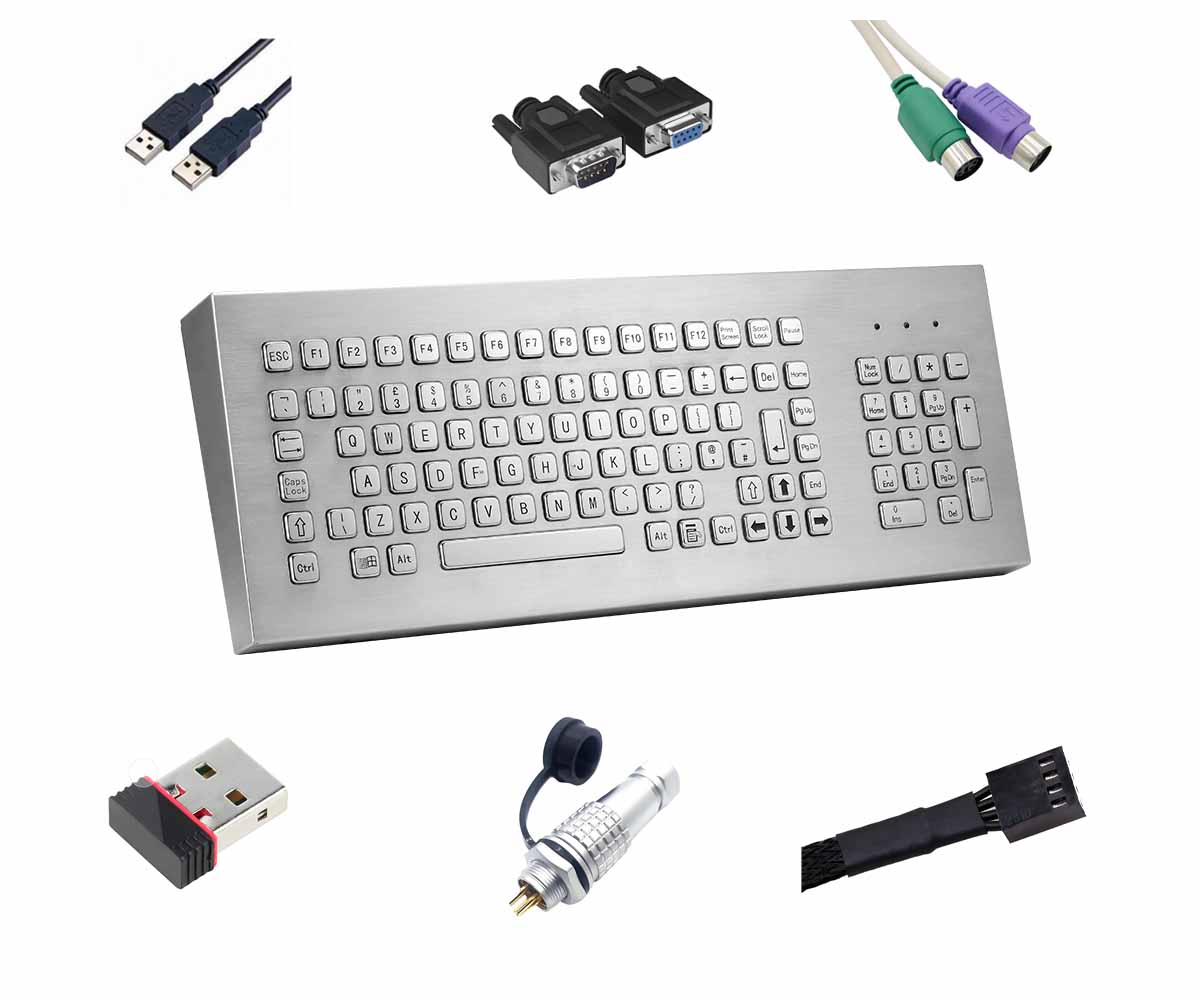
metal keyboard with functional keys
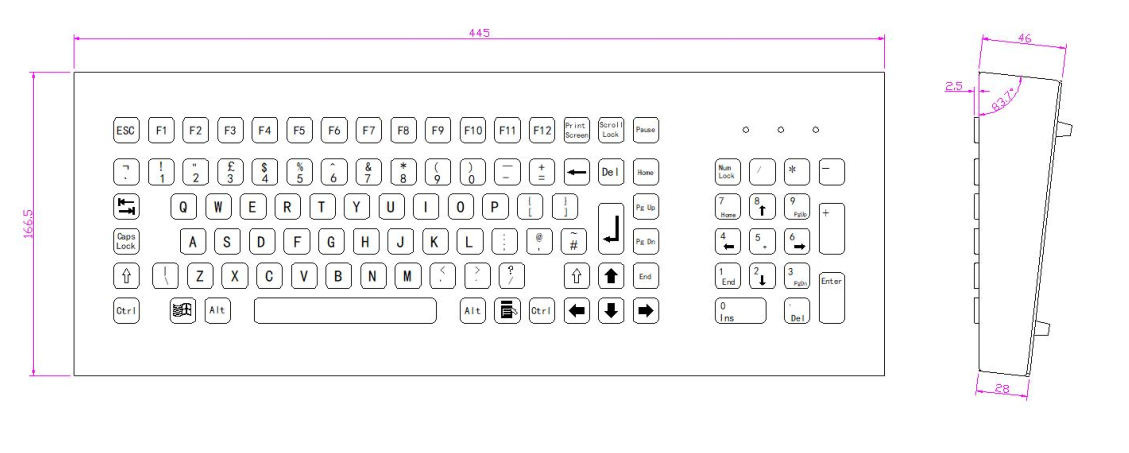
Front Panel:392*110 mm
Overall:416*134 mm
Features:
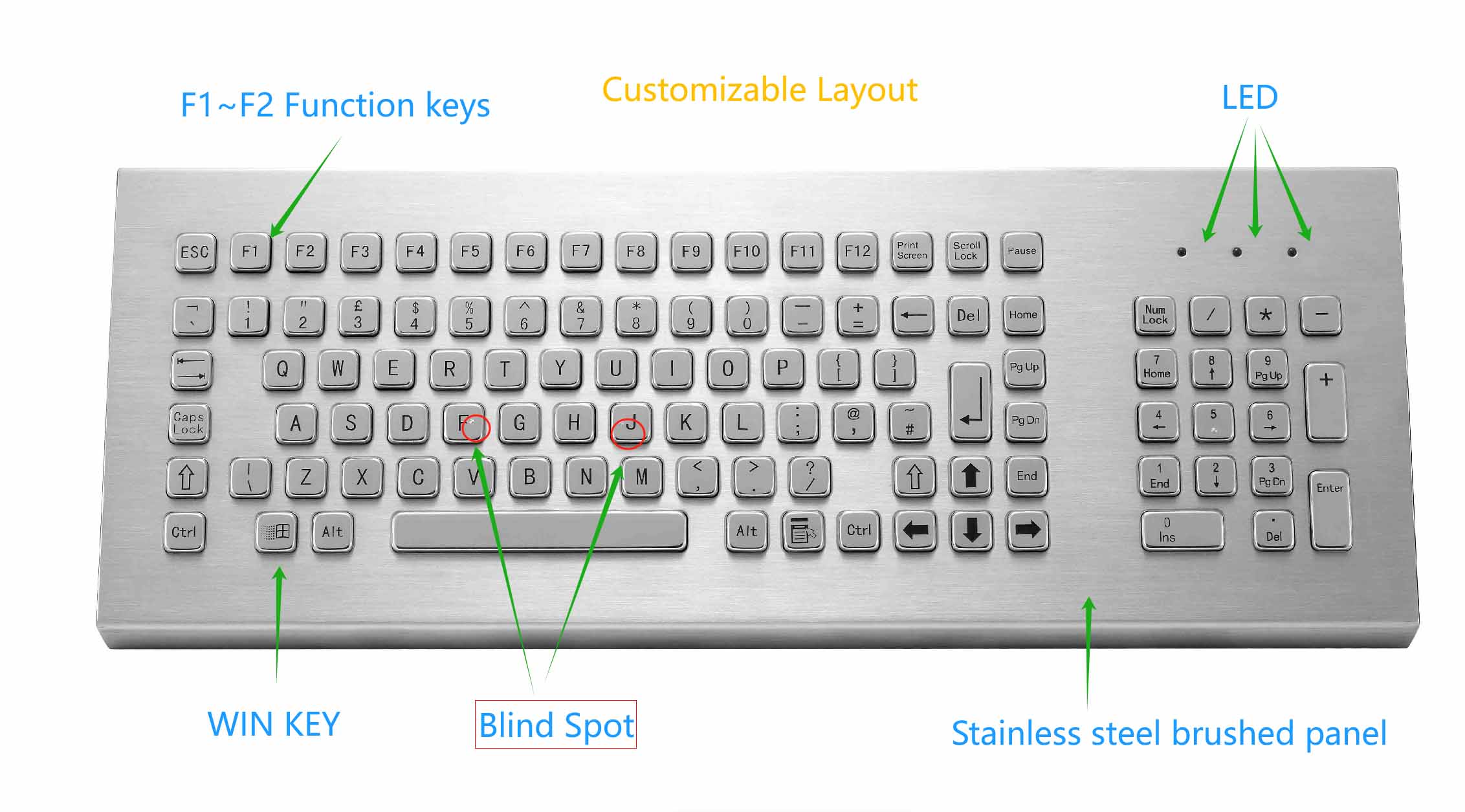
Stainless steel keyboard
Mounting Solution: Desktop
PCB adopts industrial immersion gold process
Buttons made of stainless steel
Laser or Etching procedure for key labeling optional
Waterproof and Vandalproof,Suitable for various harsh environments and can be used both indoors and outdoors
Can support free customization of language layouts for various countries
Keys:103
The KY-PC-F4-DESK is metal keyboard with functional keys. The keys made of stainless steel,it is an embedded device.
Customers can customize the keys and layout according to their needs.
Mechanical / Electrical Data:metal keyboard with functional keys
Power supply | 5V±5% |
Working current | <100mA |
Durability | >2 million |
Interface | USB / PS/2 |
Compatible with systems | Window XP、Window 7、Window 8、Window 10、Linux、Ubuntu、Android |
Key size | 14*14*2/14*28*2/100*14*2mm |
Key trip | 1.5mm |
Operation force | 1.2N+/-0.1N(Contact force) |
Mounting way | Desktop |
Net weight | |
Gross weight | |
Operation Temperature | -20℃~60℃(Relative humidity 20%~85% / Atmospheric pressure 60~106Kpa) |
Storage Temperature | -30℃~85℃(Relative humidity 20%~90% / Atmospheric pressure 60~106Kpa) |
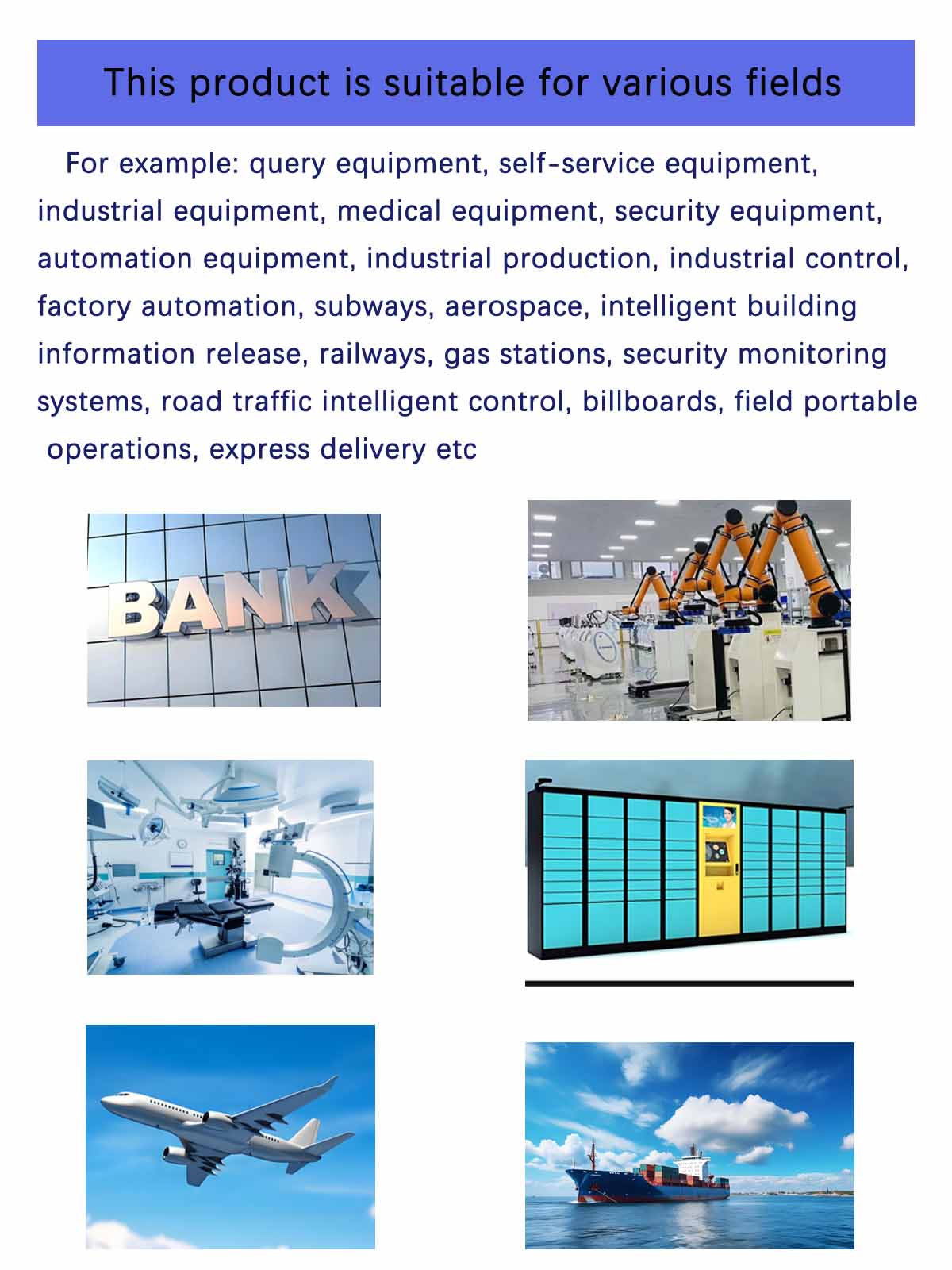
Application::metal keyboard with functional keys
Language Compatibility: The keyboard is engineered to support a vast array of national languages, including but not limited to English, French, German, Spanish, Portuguese, and Russian. This ensures seamless communication and typing for users across different linguistic backgrounds.
Dynamic Language Switching: Facilitates effortless switching between languages with intuitive key combinations (e.g., Ctrl+Shift or dedicated language keys), enabling multilingual users to maintain productivity without interruption.
2. Bilingual Keycap Engraving & Layout Options
Bilingual Keycaps: Physical keycaps are designed to accommodate bilingual engravings, such as English+Korean, English+Russian, or English+Persian. This feature is particularly useful for bilingual users who frequently switch between languages during their work or daily activities.
Layout Versatility: Offers both European (ISO) and American (ANSI) keyboard layouts, ensuring compatibility with different regional standards and user preferences.
3. Internet/Symbol Shortcut Keys
High-Frequency Characters: Includes dedicated physical keys or combination keys for quick input of commonly used internet and symbol characters, such as"www","http://",".com", and"@". This feature accelerates web browsing, email composition, and other digital tasks.
Customizable Shortcuts: Allows users to personalize shortcut keys to suit their specific workflow, enhancing efficiency and reducing typing errors.
4. Special Industry Customization (Blocking Function)
Finance/Healthcare: The keyboard can be configured to disable the Windows key or lock the Caps Lock key, preventing accidental interruptions during critical tasks. This feature is particularly valuable in industries where precision and focus are paramount.
Industrial Scenarios: In industrial settings, pressing Fn+Esc can trigger an emergency stop command, ensuring safety in high-risk environments. This functionality can be customized to meet specific industry requirements.
5. Single-Key Language Switching
Instant Language Switch: Users can switch between languages with a single key combination (e.g., Ctrl+Shift), eliminating the need for multiple keystrokes or menu navigation. This feature is ideal for multilingual professionals who need to switch languages frequently during their workday.
User-Friendly Interface: The language switching mechanism is designed to be intuitive and easy to use, ensuring a seamless transition between languages without disrupting the user's workflow.
6.The choice of keyboard layout:
QWERTY keyboard and AZERTY keyboard are two classic systems that are respectively adapted to different language habits and input scenarios. The QWERTY layout originated from the design of English typewriters, with key arrangement that balances finger movement trajectory and mechanical stability. It has now become a mainstream standard worldwide, especially suitable for daily input of English and most European languages. The AZERTY layout is optimized specifically for French speakers, placing commonly used letters (such as A, Z, E, etc.) in more accessible positions, significantly improving French input efficiency. Users can make choices when placing an order.
PC keyboards generally choose USB or PS/2 interfaces.
(1) USB (Universal Serial Bus): USB Type-A (Standard Interface)
Features: Plug and play (hot swappable), supporting power supply and data transmission
(2) PS/2 interface: It needs to be connected before booting up (does not support hot swapping), with no delay
(3) Wireless interface (customizable) low-power design:
Bluetooth (Bluetooth)
2.4GHz wireless (USB receiver)
(4) RS232 (DB9 serial port): mainly used in specialized scenarios such as industrial consoles, medical equipment, bank terminals, etc
(5) RS485 (Industrial Differential Communication) is mainly used in factory automation (PLC), multi device networking (≤ 32 nodes), with strong anti-interference and long transmission distance
(6) Customize other interfaces according to requirements